


What Is a Webhook?
A webhook is an automated message sent from one system to another when a specific event happens.
Unlike an API where you need to constantly check for updates, webhooks automatically push information to your application in real-time.
With SendLayer, webhooks notify your application immediately when email events occur, like when a message is delivered, opened, clicked, or bounced.
How Do Webhooks Work?
Webhooks work by sending an HTTP POST request to a URL you specify whenever a specific event occurs. Think of it like a notification system that alerts your application when something important happens.
Here’s how the process works: First, you configure a webhook URL in your SendLayer account. This is the address where SendLayer will send event data. When an email event occurs, SendLayer immediately sends a POST request containing event details to your webhook URL.
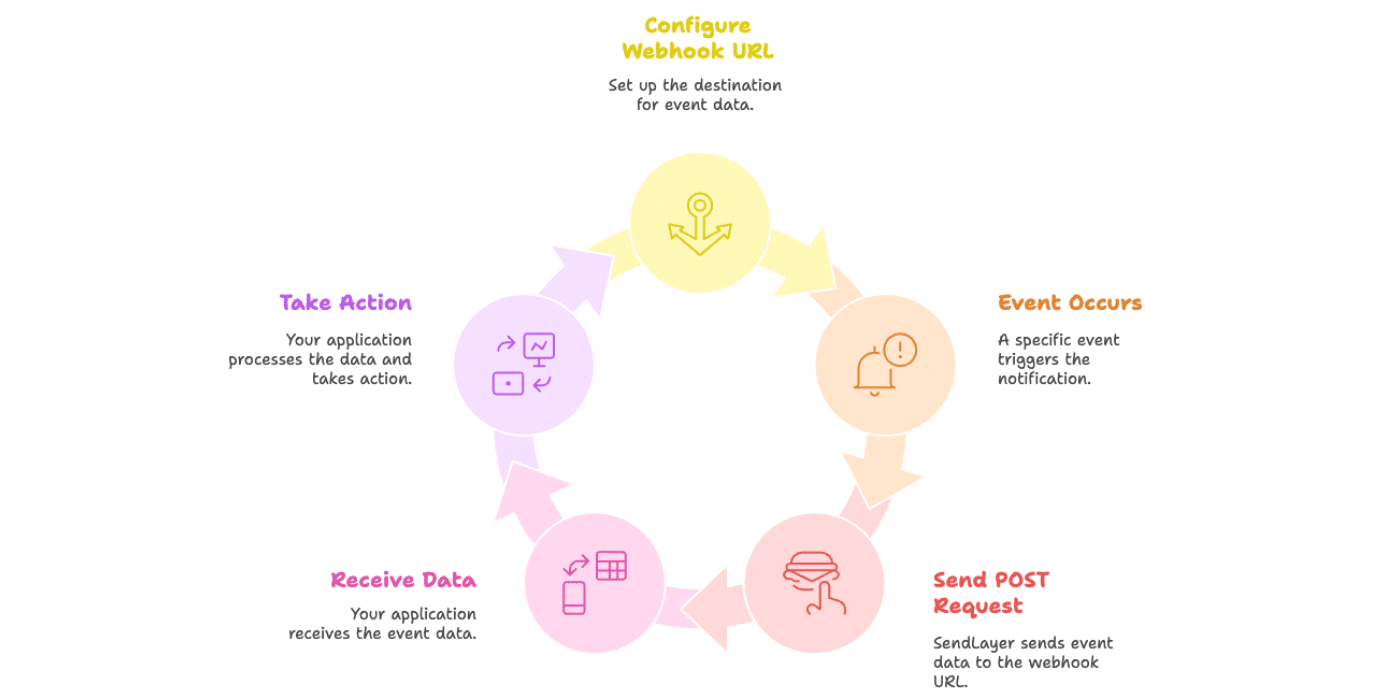
Your application receives this data and can then take action based on the event. For example, you might update a user’s status in your database when their email bounces, or trigger a follow-up action when they click a link in your email.
Why Are Webhooks Important for Email Delivery?
Webhooks are essential for maintaining healthy email delivery and providing a great user experience. They give you real-time visibility into what’s happening with your emails after you send them.
Without webhooks, you’d need to constantly poll the SendLayer API to check for updates about your emails. This is inefficient and creates delays between when events happen and when you learn about them. With webhooks, you receive instant notifications the moment something important occurs.
What Email Events Can Webhooks Track?
SendLayer webhooks can notify you about several important email events:
- Delivered – The email was successfully delivered to the recipient’s mailbox
- Opened – The recipient opened your email
- Clicked – The recipient clicked a link in your email
- Bounced – The email couldn’t be delivered (either a hard bounce or soft bounce)
- Spam Complaint – The recipient marked your email as spam
- Unsubscribed – The recipient clicked an unsubscribe link
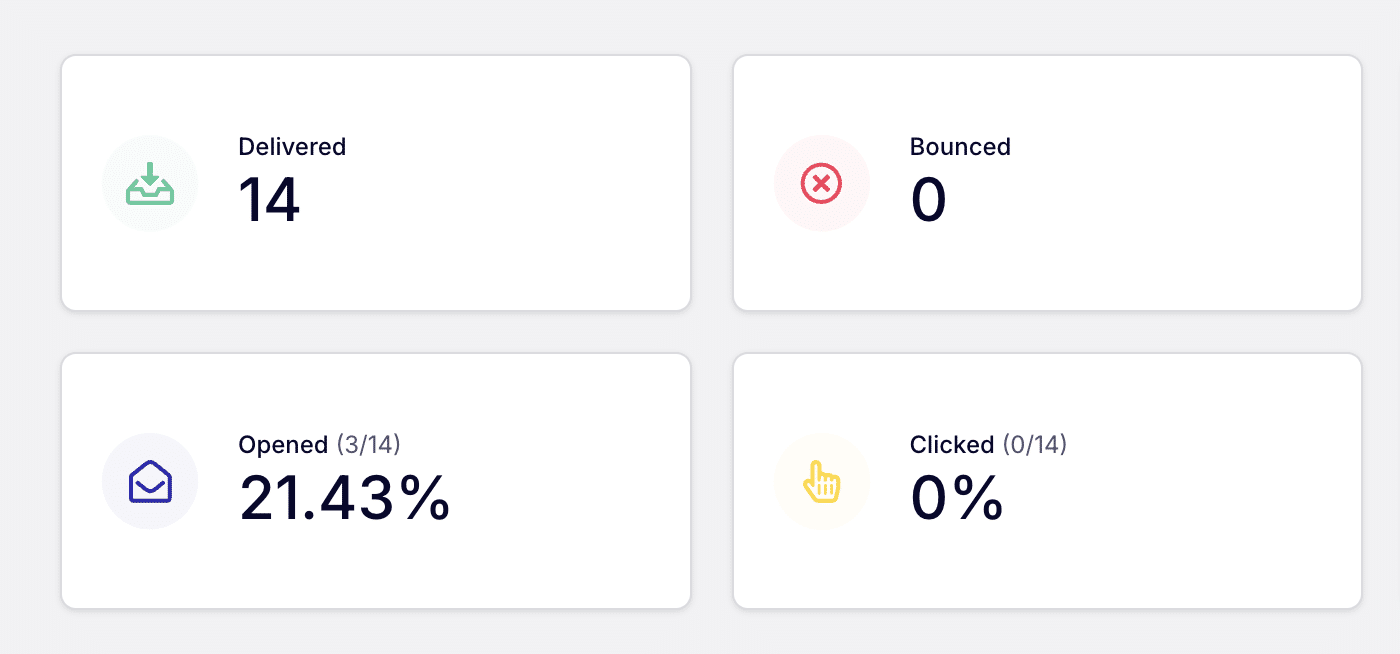
Each event includes detailed information like timestamps, email addresses, message IDs, and event-specific data. For example, click events include which URL was clicked, and bounce events include the reason for the bounce.
You can configure which events trigger webhooks, allowing you to receive only the notifications that matter to your application.
That’s it! Now you know what webhooks are.
Ready to set up webhooks for your email events? Check out these helpful resources: